



Article overview
There’s no one-size-fits-all e-commerce AI solution. Most of them address a specific pain point, be it increasing conversions, reducing support tickets, engaging customers, etc.
Among the tools we’ve included, Klaviyo is interesting if retention and LTV are your main problems, Dialog works well for stores where visitors can't work out which product is right for them, Gorgias is helpful when the real constraint is inbound questions rather than product discovery.
Almost none of the most popular ecommerce AI tools bill on the same unit, and two of the seven require a call to get a quote. Make sure to anticipate this part.
Introduction
Walmart's shopping agent, Sparky, gives us the clearest public number anyone has put on the impact of AI for retailers.
Customers who use it carry an average order value about 35% higher than customers who don't, weekly active users are up over 100% in a single quarter, and units purchased through it have more than quadrupled, according to CEO John Furner.
The interesting part isn't the size of that number, it's the kind of number. A 35% AOV lift is a selling metric, and it didn't come from a generic "AI tool". It came from something whose entire job was helping people buy.
That's where we think the conversation about ecommerce AI solutions goes wrong. "AI tools for e-commerce" is a label, not a category. A fraud engine, a product-description generator, a demand forecaster and a shopping assistant have about as much in common as a forklift and a spreadsheet.
So we've inverted the usual order. We start from seven bottlenecks a merchant would name out loud, and give one tool for each. For every tool you get our verdict first, what it's actually billed on, a real review from a real merchant, and who should skip it.
The seven at a glance
Tool | The bottleneck it fixes | Billed on | Entry price | Self-serve | Shopify rating | G2 rating |
|---|---|---|---|---|---|---|
Claude | You can't publish fast enough to get found | Seats per month | Free; Pro from $17/mo annual ($20 monthly) | Yes | N/A | 4.6/5 (449 reviews) |
Presti | Product visuals cost too much and ship too slow | Credits (1 image = 3, 1 video = 30) | Free (60 credits/mo); Pro from $49/mo | Yes | N/A | No reviews. |
Dialog | Visitors can't tell which product is right for them | Monthly unique visitors | Free; Starter $249/mo (25k visitors) | Yes | 5.0 (32 reviews) | 5.0 (10 reviews) |
Wisepops | Visitors leave without converting or opting in | Total site pageviews | From $599/mo, quote requires a demo | No, not anymore | 4.9 (63 reviews) | 4.5 (89 reviews) |
Gorgias | The support queue is drowning your team | Support tickets, plus AI interactions on top | $40/mo (50 tickets, 30 AI interactions) | Yes | 4.2 (651 reviews) | 4.6 (562 reviews) |
Klaviyo | Your email list isn't producing revenue | Active profiles and email sends; SMS extra | Free for up to 250 profiles; paid from $45/mo | Yes | 4.7 (3,009 reviews) | 4.6 (1,359 reviews) |
Attentive | You have no channel people actually read | Messages sent | Doesn't publish pricing | No | 4.8 (106 reviews) | 4.5 (1,483 reviews) |
You can't publish fast enough to get found: Claude
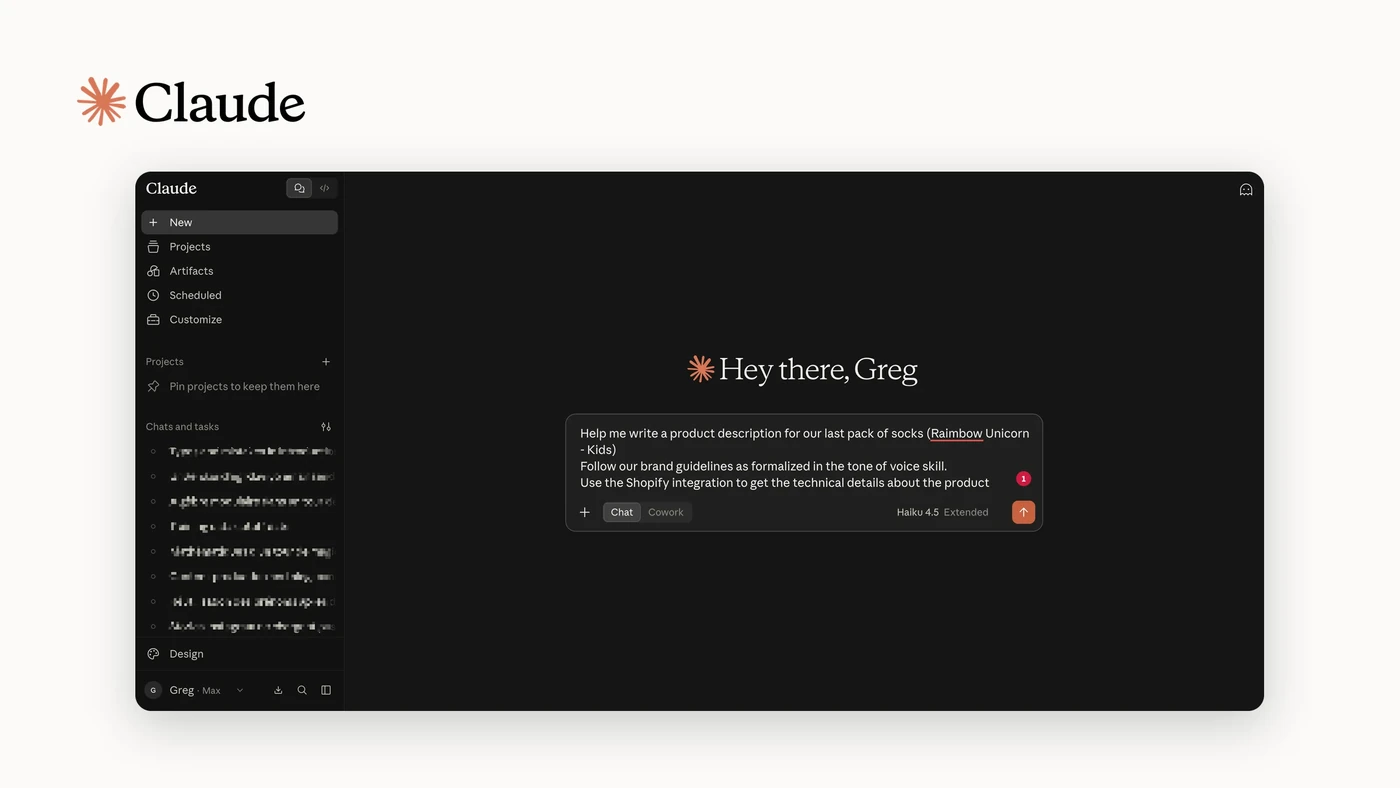
If your bottleneck is content volume rather than content quality, we'd argue a general-purpose assistant is the cheapest fix on this list by an order of magnitude. Claude is best for teams who have a clear idea of what they want to say and no capacity to write it: category page copy, buying guides, product descriptions at volume, FAQ content, meta descriptions. It isn't an ecommerce product, though the Shopify connector means it can now reach your catalog and store data directly, which is more than we'd have said a year ago.
Our honest caveat is that this is the one entry here with no ecommerce accountability. Nothing measures whether the content converted. You are buying writing capacity, not an outcome.
Top features
Long-form drafting from a brief, with a consistent brand voice once you give it your guidelines
Bulk work: feed it a spreadsheet of SKUs and get descriptions or metadata back
A Shopify connector that reaches live product, order and performance data instead of pasted exports
Projects, so a brand voice and a style guide persist across sessions instead of being re-pasted
File handling for briefs, brand books and existing content you want matched
Integrations
Claude has a direct Shopify connector that reaches your actual store rather than sitting outside it. You can create products, adjust inventory across locations, generate discount codes, browse orders and customer details, and pull sales and conversion metrics, all conversationally. It works from the web app, desktop, mobile, Claude Code and the API.
What it still isn't is a storefront tool. Nothing here runs in front of a shopper, so the connector makes Claude a faster back-office operator, not a selling surface.
Pricing
Billed per seat, per month. A free plan is available.
Pro is $17/month on annual billing or $20 monthly.
Pros and cons
Pros
By far the cheapest entry point here, and genuinely self-serve
Handles the whole content stack rather than one narrow task
The Shopify connector pulls live catalog and store data, so briefs don't start from a paste
No install, no snippet, nothing that can slow your storefront down
Cons
No conversion measurement of any kind, so nothing tells you whether the content worked
Output quality tracks brief quality, so a vague brief costs you the time it saved
Built as a general assistant, so the workflow isn't shaped around a store even with the connector attached
Video
Product visuals cost too much and ship too slow: Presti
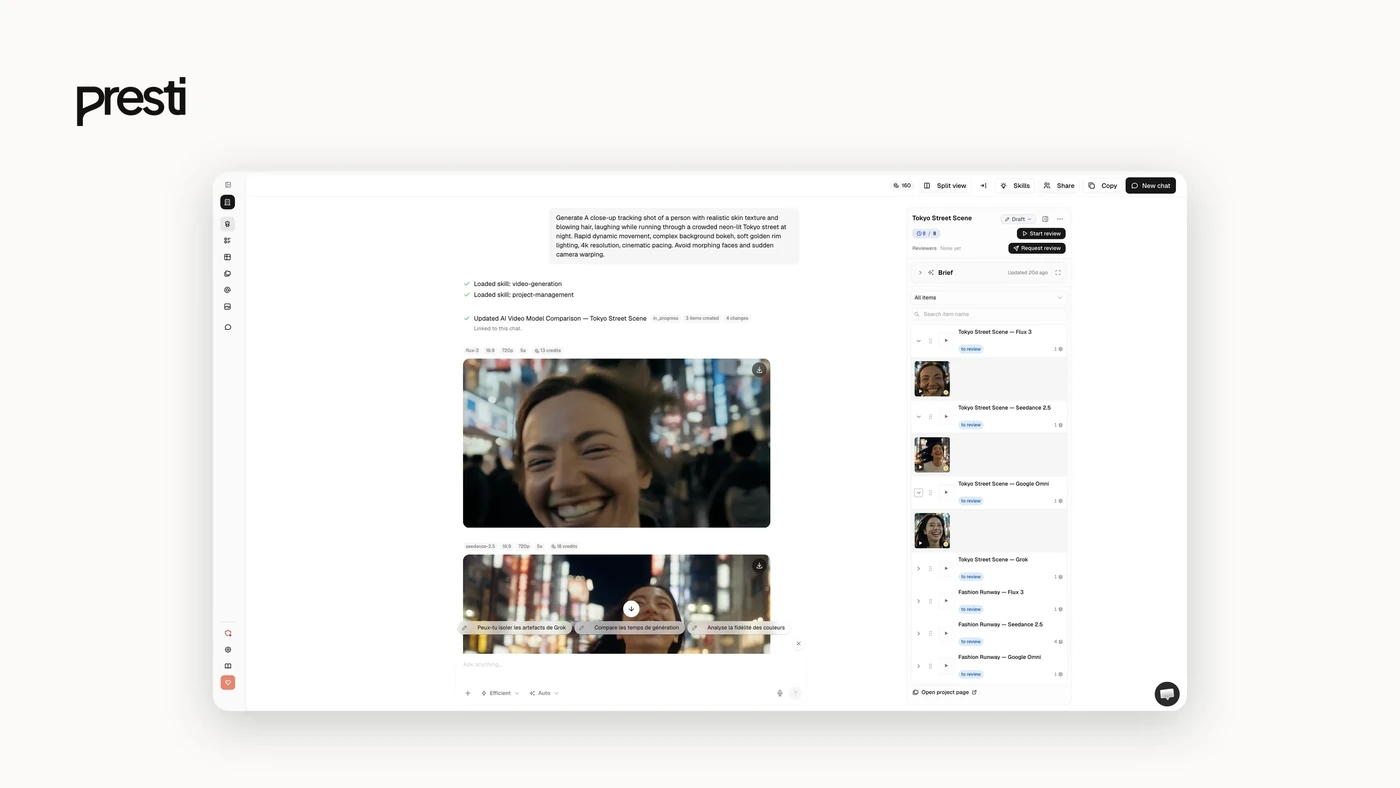
We'd point you to Presti when your catalog is large, your photography budget isn't, and visuals are the thing blocking every downstream channel.
It's an AI visual production agent: you brief it in plain language and it plans, produces and delivers images and video. Best fit is brands, retailers and manufacturers with big catalogs, with roots in furniture and home living and now spread across verticals.
Top features
Stage packshots into lifestyle scenes and generate studio-quality images
Video, 360 spins, close-ups, infographics and dimension overlays from the same brief
Colour, texture and product variants, and full collections kept visually consistent
Brand Skills: encode brand identity once and reuse it on every project
Batch runs from a CSV catalog, product links, packshots, PDFs or brand guidelines
Multi-model routing across Gemini, GPT, Flux, Veo, Kling, Seedance and Grok, picked per task
Team review with roles, permissions, side-by-side comparison and in-context comments
Export up to 8K
Integrations
Presti is platform-agnostic and browser-based. There is no Shopify app and no JS snippet, so nothing touches your storefront. You export the visuals and use them wherever you like: Shopify, Amazon, WooCommerce, marketplaces, social, print.
Pricing
Billed in credits, where one image costs 3 credits and one video costs 30.
The free plan gives 60 credits a month, which is about 20 images or 2 videos, and it's permanent rather than a trial.
Pro starts at $49/month for 500 credits, roughly 166 images or 16 videos.
Pros and cons
Pros
Credit pricing maps directly onto output, so the bill is easy to predict
Self-serve on Free and Pro, with a permanent free tier
Image and video in one platform instead of two vendors
Nothing installed on your store, so zero performance risk
Cons
No native ecommerce or marketplace integration
Credits make heavy video use expensive fast, at 30 credits per video
Video
Visitors can't tell which product is right for them: Dialog
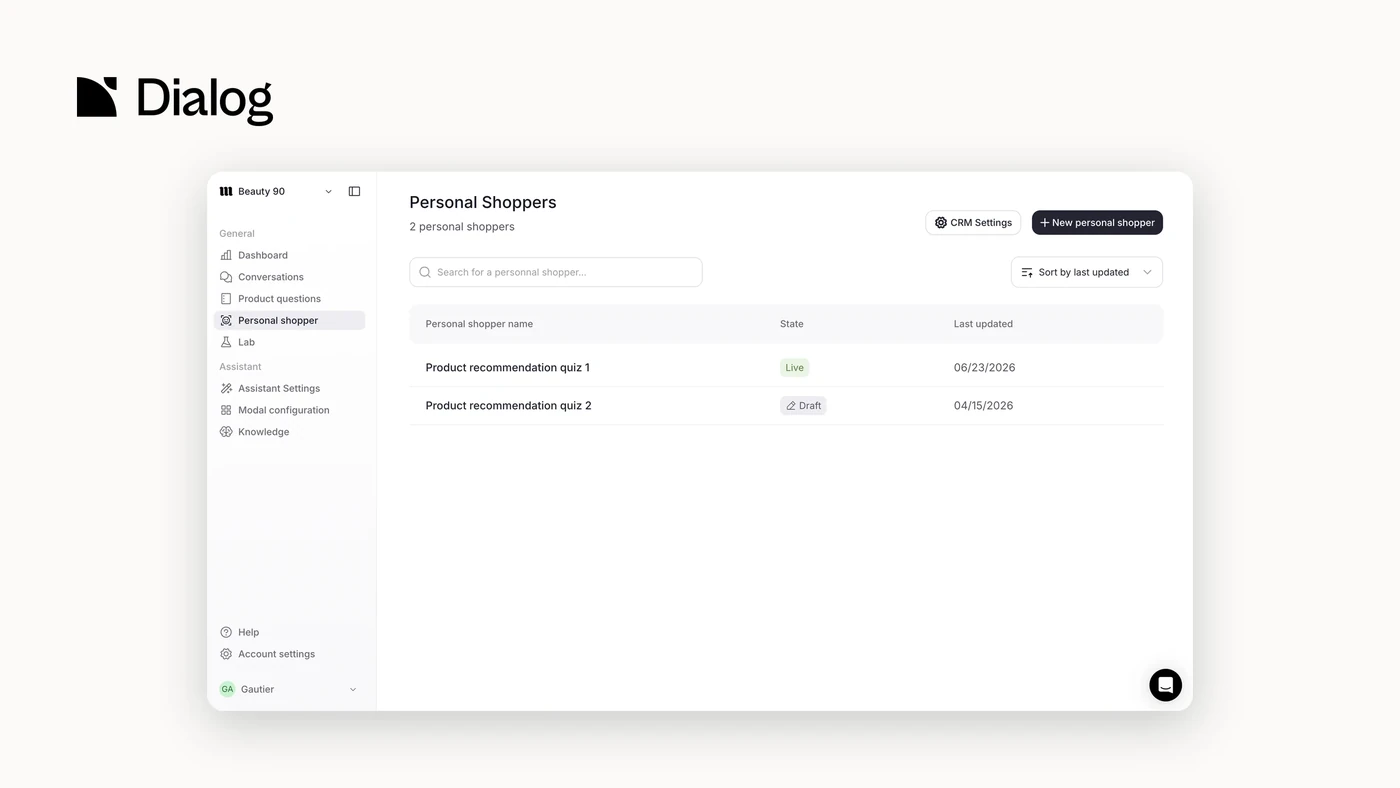
If shoppers land on your site, browse, and leave without buying because they couldn't work out which of your products fits their situation, that's a discovery problem, and we'd tell you a helpdesk won't touch it.
Dialog is built for exactly that gap. Best fit is mid-market and enterprise brands with complex, technical or high-consideration catalogs: large ranges, premium pricing, or products a customer genuinely has to understand before buying.
Our caveat, stated plainly: this is our product, and our review base is thin. That's a young category, not a hidden problem, but it's less evidence than an incumbent gives you.
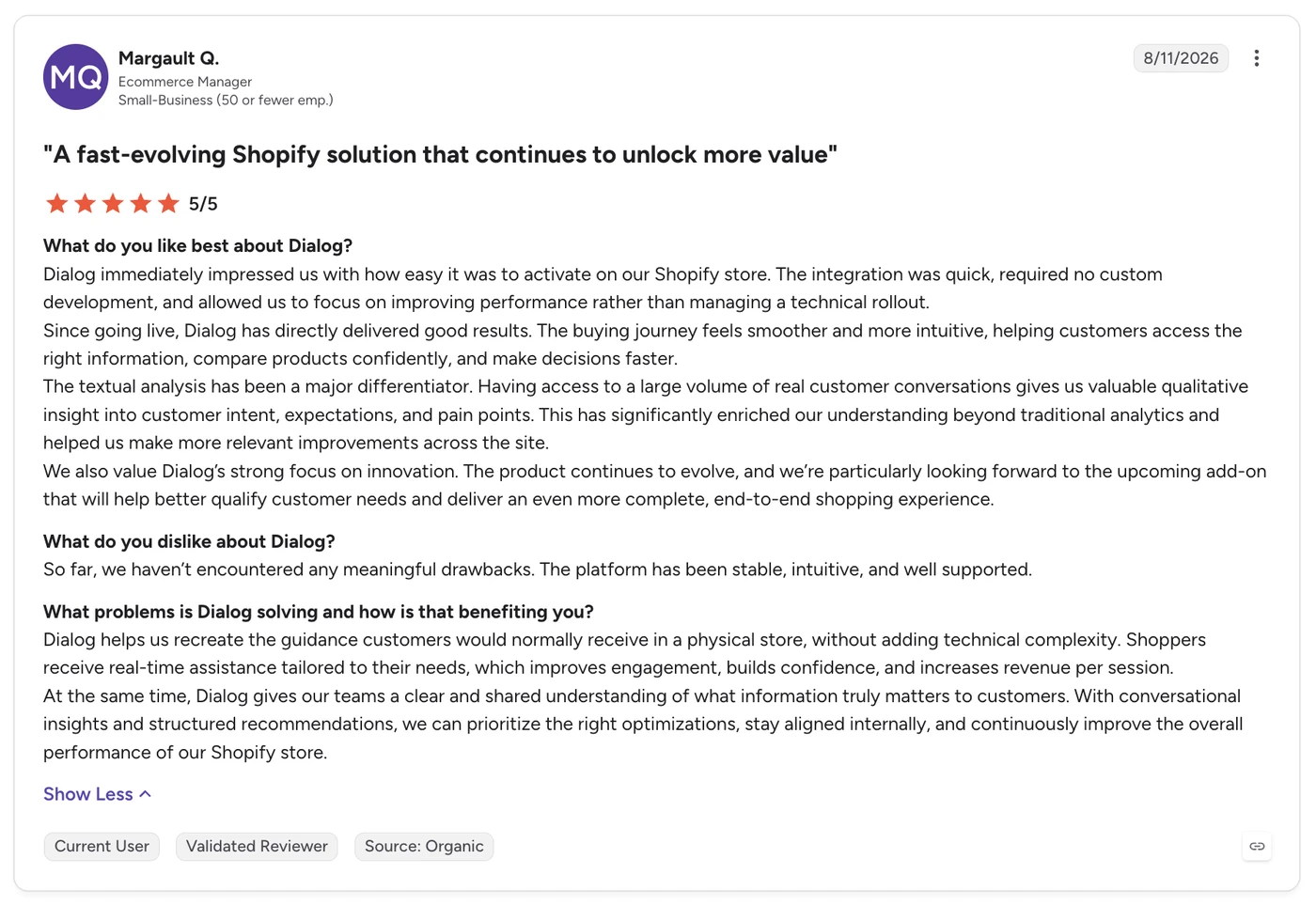
Source: G2
Top features
Smart Search, which reads intent rather than keywords, so it surfaces the right product when the shopper can't name it
AI PDP Assistant, embedded in the product page to answer technical questions and handle objections where the decision happens
Personal Shopper, a full conversational experience that recommends across the catalog from the first message, including photo upload
Analytics and ROI, with native A/B testing and the conversion delta visible in GA4
Integrations
Salesforce Commerce Cloud, Shopify, Scayle, Spryker, SAP and BigCommerce. Onboarding on Shopify takes about 30 minutes, the widget is lightweight enough not to affect Core Web Vitals, and deactivation takes two minutes if it isn't working for you.
Pricing
Billed on monthly unique visitors, which is the number you already track and can forecast.
Free plan at $0 covers 200 conversations with a basic model and 2 training docs.
Starter is $249/month up to 25,000 unique visitors.
Standard is $399/month up to 50,000.
Scale is $799/month up to 100,000.
All paid plans bill in USD every 30 days, and there's a free trial.
Pros and cons
Pros
Stand-alone product, so you aren't buying a suite to get the agent
Ingests catalog, internal documentation and content, giving it a fuller view of the store than a help-centre bot has
Analytics show which questions buyers actually ask, including gaps your documentation doesn't cover
Priced on traffic, so the bill is knowable in advance
Cons
Thin public review base compared with any incumbent here
Best suited to considered purchases, so a simple single-product catalog won't get much from it
Video
Visitors leave without converting or opting in: Wisepops
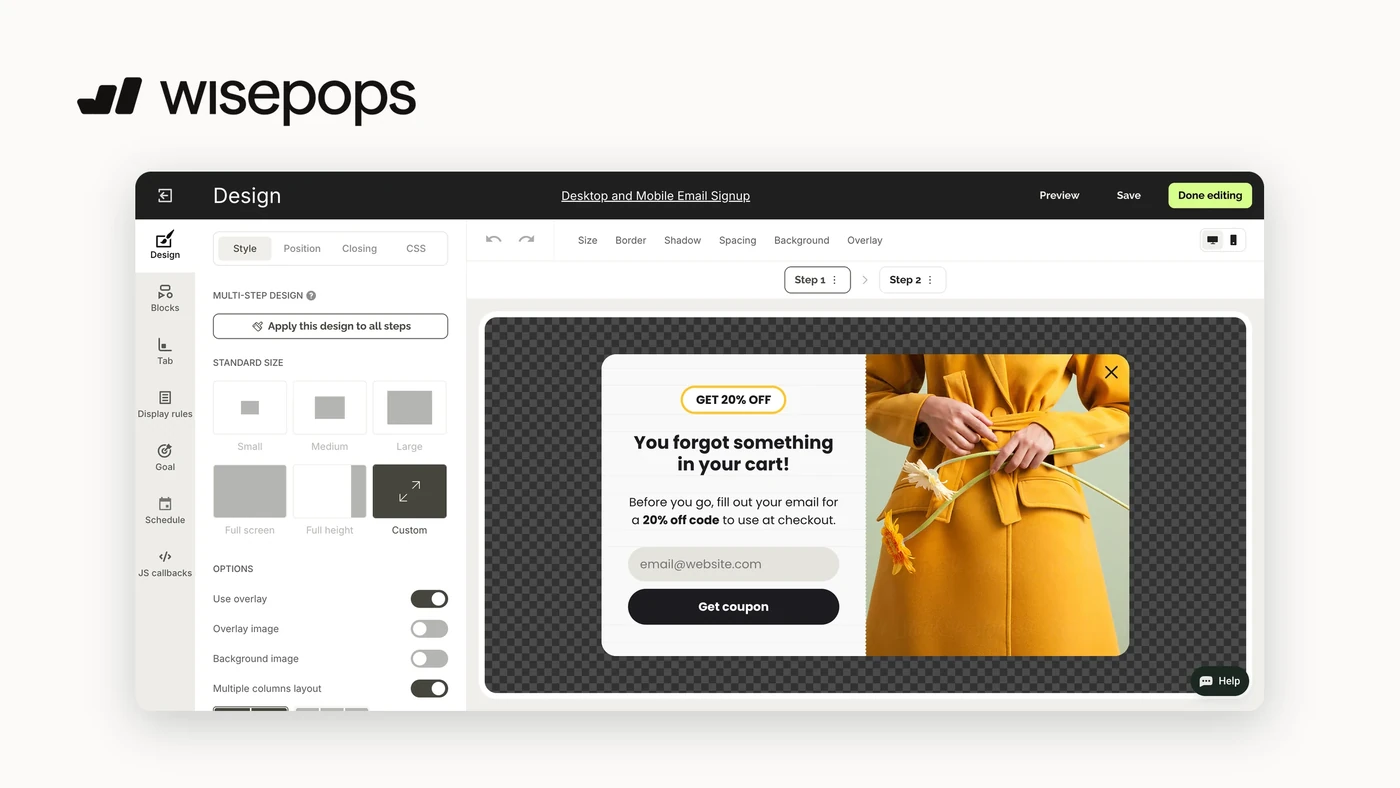
When traffic arrives, looks around, and leaves without buying or leaving an email address, Wisepops is the tool we'd point at that moment.
It handles onsite popups, banners, notification feeds and embeds, with targeting granular enough to show different messages to first-time and returning visitors. Best for marketing teams who want to launch campaigns without booking developer time, and it installs on any platform through a JS snippet.
One caveat matters more than the rest, and merchants raise it repeatedly: you are billed on your total site pageviews, not on how often a popup actually shows.
Top features
Popups, banners, notification feeds and embedded campaigns from one editor
Targeting on geography, page, UTM, scroll depth, exit intent, cart value, purchase count, and new versus returning visitors
Drag-and-drop design with templates, no coding required
A/B testing and scheduling built in
Per-visitor personalization, so a new-shopper discount doesn't hit loyal customers
Integrations
Shopify, BigCommerce, Magento, Klaviyo, Ometria and more. It installs anywhere else through a JS snippet.
Pricing
Billed on total site pageviews.
Pricing starts from $599/month and a quote requires going through a demo. There's a 14-day free trial, but self-serve signup is no longer available.
The pageview model is the thing to model out before committing, and it's the most common complaint in the reviews. One G2 reviewer puts it bluntly: "billing is based on pageviews instead of actual popup displays".
Pros and cons
Pros
Campaigns go live in minutes with no developer involved. As one G2 reviewer puts it: "I can build the banner or pop-up myself in the morning and have it live before lunch" (Source)
Targeting and segmentation are unusually deep for this category
Highest Shopify rating in this article at 4.9
Support is the single most-praised thing in the reviews, often by name
Cons
Billed on total pageviews rather than popup displays
No longer self-serve, so a demo call stands between you and a price
Occasional mobile rendering issues that need manual tweaking
Video
The support queue is drowning your team: Gorgias
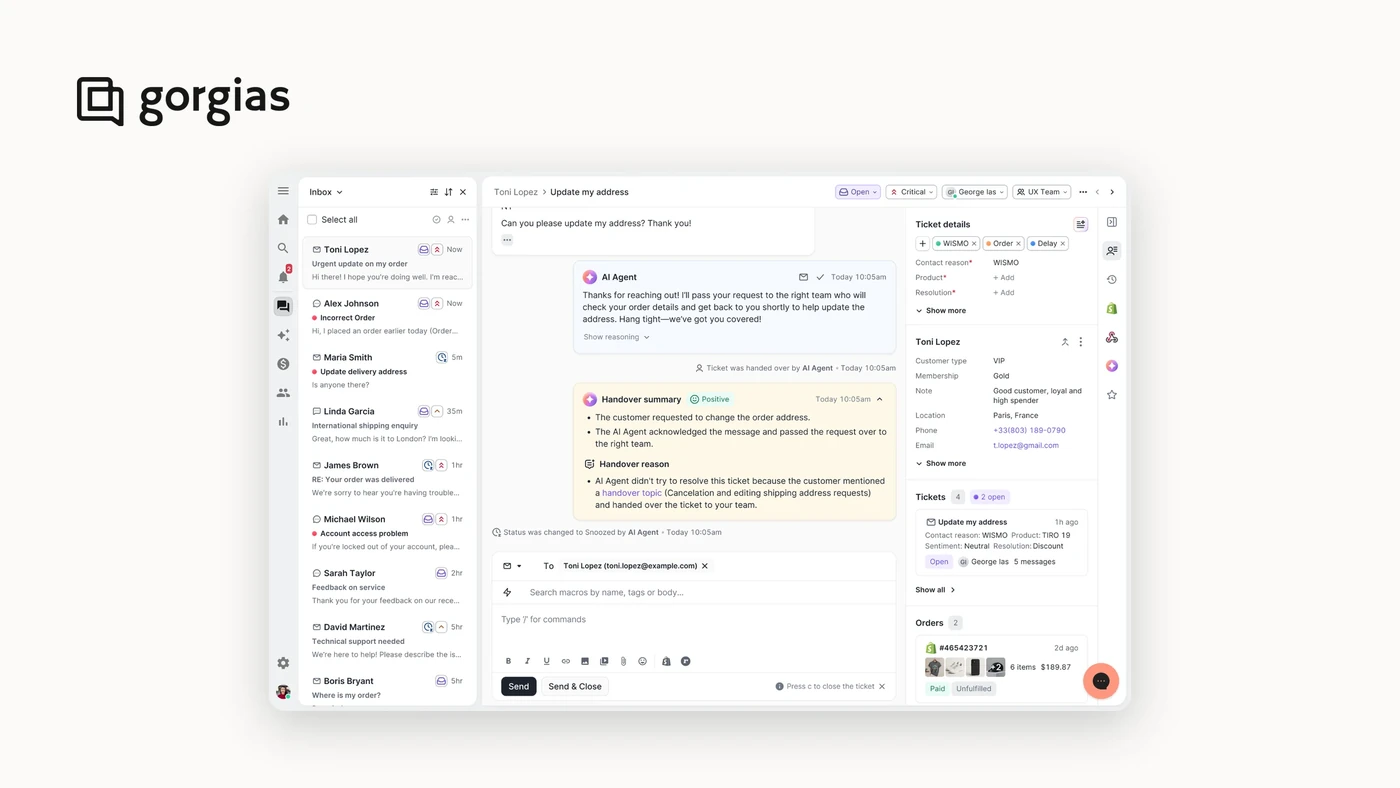
If your constraint is inbound questions rather than product discovery, Gorgias is the default for a good reason, and we'd tell you to just buy it.
It's the number one helpdesk on Shopify, used by more than 25,000 stores, and it pulls email, chat, SMS and social into a single inbox with order data attached to every conversation. Best for Shopify SMB and mid-market teams whose agents are drowning in "where is my order" and spending half their day switching between the helpdesk and Shopify admin.
Top features
One inbox for email, chat, SMS and social, with full customer context on every ticket
Deep Shopify integration: issue refunds, edit orders and track shipments inside the ticket
AI agent handling repetitive tickets around the clock
Macros, rules and custom workflows to shape the tool around an existing process
Onboarding that gets new agents productive quickly
Integrations
Shopify, WooCommerce, BigCommerce, Magento, Prestashop, and more. The Shopify integration is the standout and the reason for the market share: agents work entirely inside Gorgias rather than switching to Shopify admin.
Pricing
Billed on support tickets, with AI interactions charged separately on top.
Starter is $40/month for 50 tickets and 30 AI interactions.
Basic is $90/month for 300 tickets and 30 AI interactions.
Pro is $550/month for 2,000 tickets and 190 AI interactions.
Advanced is $1,430/month for 5,000 tickets and 530 AI interactions.
Past your allowance, AI interactions cost $1.50 each.
There's a 7-day trial and signup is self-serve.
One thing to note: because the meter runs on ticket volume rather than traffic, the bill is genuinely hard to forecast. Merchants say so directly, one calling the billing structure on G2 "a bit of a trap". Your worst support month is also your most expensive one.
Pros and cons
Pros
Real ticket deflection at volume. One G2 reviewer reports: "Gorgias has reduced our human handled tickets by about 60%" (G2 review)
The deepest Shopify integration of any helpdesk, with refunds and order edits inside the ticket
Channel consolidation that measurably speeds up a support workflow
Easy to learn, so new agents ramp fast
Cons
AI agent takes real work to train, and misfires: wrong answers, tickets closed prematurely, no draft-before-send option
Reporting is shallow, and deeper analysis usually means exporting data elsewhere
Ticket-based pricing scales unpredictably, and AI features push the bill up further
Video
Your email list isn't producing revenue: Klaviyo
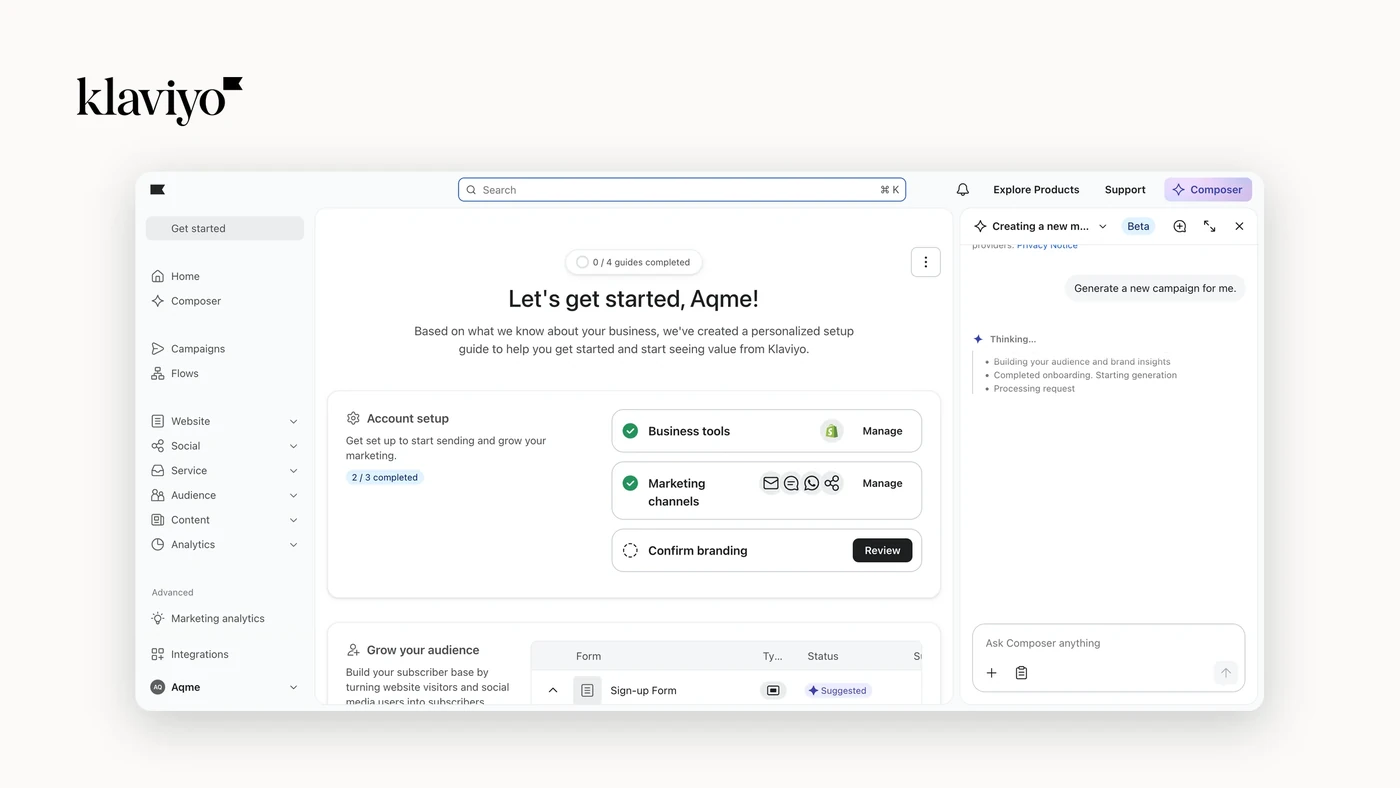
If you have a list and it isn't earning, Klaviyo is the default and has been for years. Shopify even invested in the platform itself.
It's an email and SMS platform built specifically for ecommerce, with segmentation that runs on real store behavior. Best for any store on Shopify with a list worth monetizing, which in practice means almost everyone reading this. It has the largest review base of anything in this article by a wide margin, over 4,300 across the two platforms.
Our caveat is cost, and it's the single most common complaint in the reviews: pricing scales on active profiles, so a large lapsed segment costs you money every month while producing nothing.
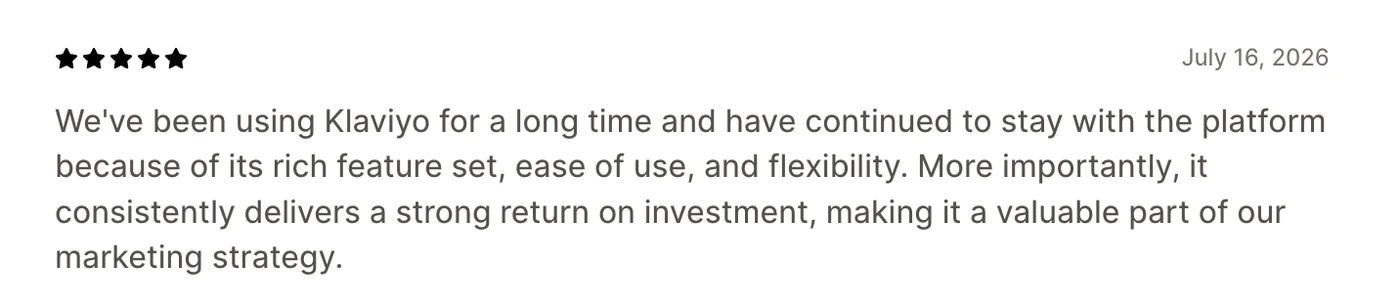
Source: Shopify App Store
Top features
Prebuilt and custom automation flows: welcome, abandoned cart, browse abandonment, win-back
Behavioral segmentation built on real purchase and browsing data
Email, SMS and push in one platform rather than three
Drag-and-drop building with no code required
Predictive analytics for next order date, lifetime value and spending potential
Integrations
Shopify, BigCommerce, Prestashop and WooCommerce, plus Meta Ads, Gorgias and Recharge. The Shopify integration is the reason people pick it and the thing reviewers praise most often. Merchants do report gaps outside the Shopify world, particularly with Salesforce.
Pricing
Billed on active profiles and email sends, with SMS charged per message on top.
The free plan covers up to 250 active profiles, 500 email sends a month and $5 of mobile messages.
Paid plans start at $45/month for 1,500 active profiles and 15,000 email sends.
Signup is self-serve, and the free plan doubles as the trial.
Model the profile count, not the send count. As one reviewer puts it: "Pricing scales aggressively with active profile count, which makes the math painful for brands sitting on large lapsed segments". Cleaning your list can help you reduce costs dramatically in this context.
Pros and cons
Pros
The deepest Shopify integration in this list. As one G2 reviewer puts it: "The Shopify integration is deep enough that we can build segments and flows on real customer behaviour without stitching tools together" (G2 review)
Automation flows that run hands-off once built, and merchants tie them directly to revenue
Segmentation and personalization are genuinely best in class
Email, SMS and push unified, so you aren't stitching channels together
Cons
Pricing climbs aggressively with profile count (the most cited complaint by far)
Real learning curve once you move past the starter flows, despite the easy signup
Reporting is scattered, and some teams end up rebuilding dashboards on top of the data
Integration gaps outside Shopify
Video
You have no channel people actually read: Attentive
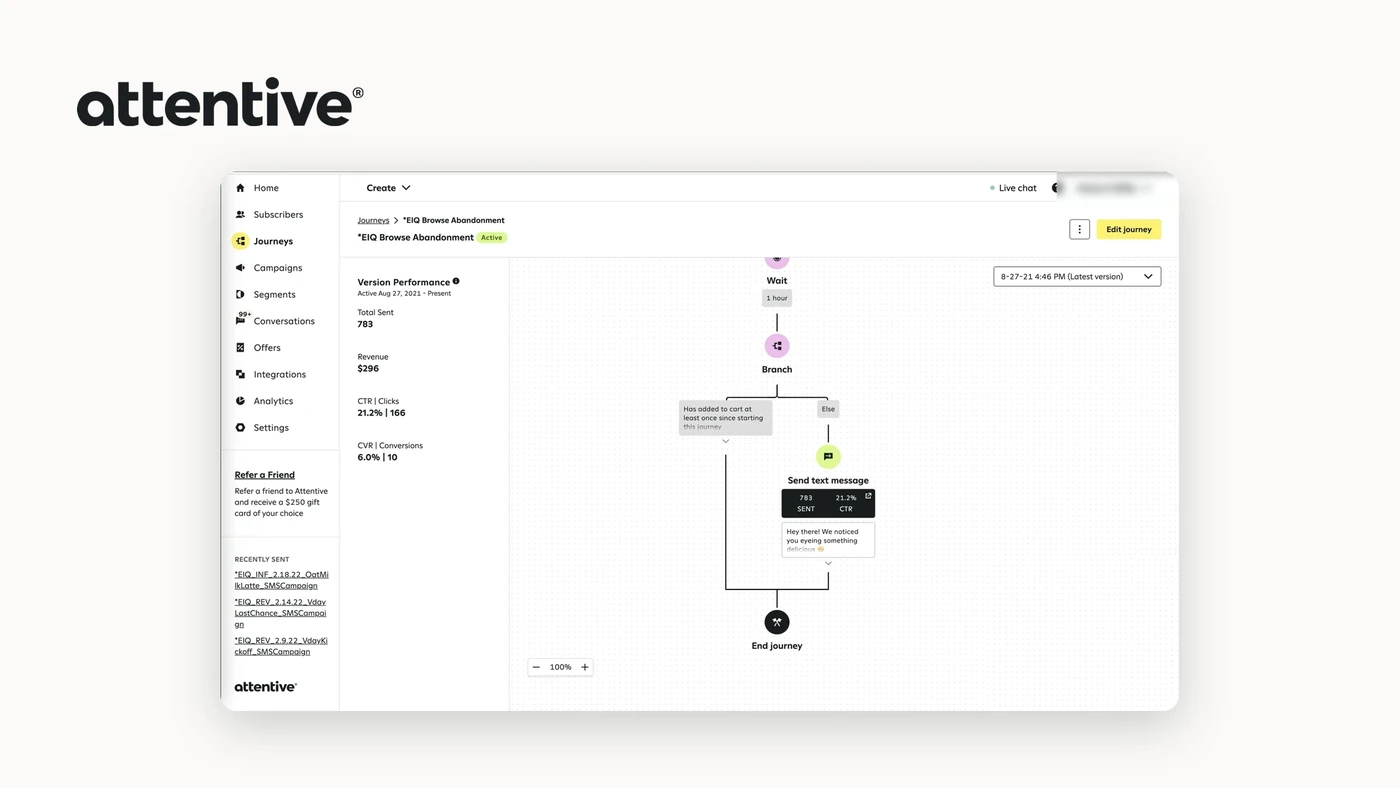
When email open rates have flattened and you want a channel with attention attached, Attentive is the enterprise-grade SMS option we'd look at.
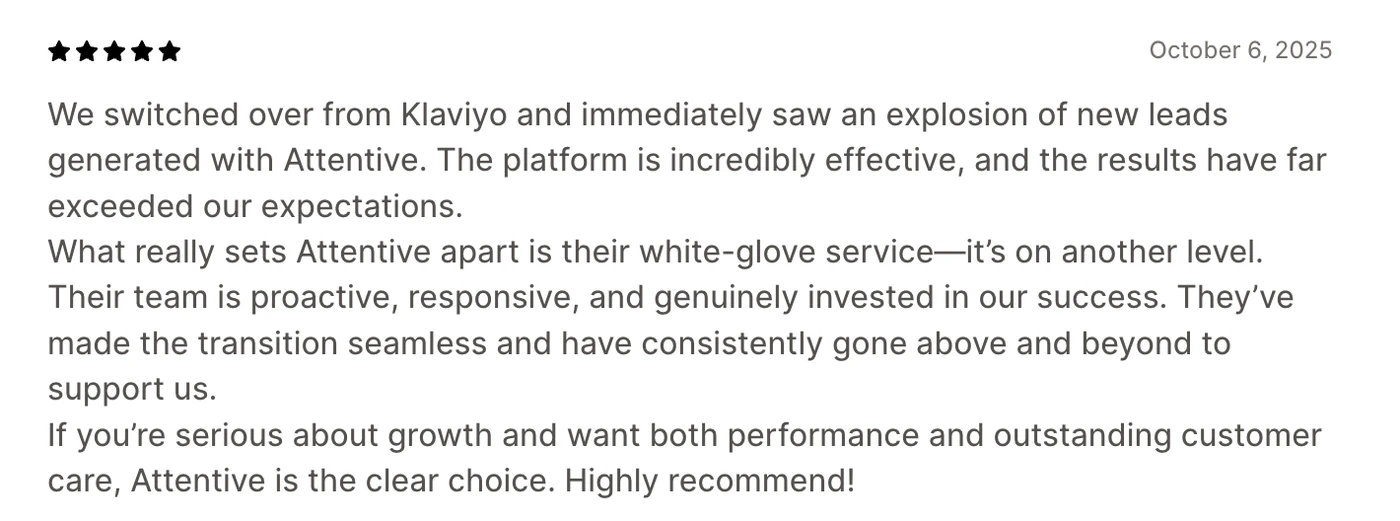
Best for brands with the volume to justify a managed relationship, because the model here is not self-serve software but a platform plus an account team. The support is consistently the most praised thing about it across both review sites, which tells you what you're really buying.
Two caveats we'd want you to know up front. Attentive doesn't publish pricing, so there's a sales call between you and a number. And there is no self-serve path, though there is a 30-day trial.
Source: Shopify App Store
Top features
SMS and MMS campaign and journey building, with multi-message sequences
Segment retargeting built into campaign setup
AI features for message optimization that merchants single out as useful
Analytics for campaign performance and engagement
Compliance handling (which for SMS is not optional)
Integrations
Adobe Commerce, BigCommerce, Shopify and Shopify Plus. The Shopify integration gets praised for syncing without manual data mapping, though it's worth noting that integration friction is also a recurring complaint, with Klaviyo and Shopify both named in G2 reviews. Your mileage appears to vary here more than with the other tools in this article.
Pricing
Attentive bills on messages sent. They don’t not publish rates, there is no self-serve signup, and pricing comes through a quote.
There's a 30-day free trial to test the tool, though.
Pros and cons
Pros
Campaign speed is a standout. One G2 reviewer: "we can create and deploy a full campaign with segment retargeting in about 10 minutes" (G2 review)
Account management and white glove support are the most praised features across both review sites
Setup is handled largely by their team, which is the flip side of no self-serve
Cons
No published pricing and no self-serve, so evaluation requires a sales process
Reporting is limited, with little custom reporting and manual work to get depth
Integration gaps and friction come up repeatedly in G2 and Shopify reviews, including with Klaviyo and Shopify
Onboarding friction, with some merchants reporting more setup left to them than expected
Video
How to choose ecommerce AI solutions without buying seven of them
Nobody needs all seven. We laid them out this way because the choice gets easy once you name the bottleneck honestly, and hard the moment you shop from a list.
These are the three questions we'd work through, in order.
Where does your money actually leak? A support queue that irritates your team costs less than traffic that arrives, browses and leaves. Efficiency savings are provable on day one, which is why they're easier to sell, and conversion is where the money is, which is why it needs a test. Walmart's 35% AOV lift came from the selling side, not the saving side.
What are you billed on, and can you predict it? This is where the seven separate cleanly. Dialog bills on visitors, Presti on credits, Klaviyo on profiles, Gorgias on tickets and then again on AI interactions, Wisepops on total pageviews, Attentive on messages at a price you learn on a call. Two of those numbers you already know. The others you'll be estimating, and estimates in a spreadsheet become surprises on an invoice.
Can you try it without a sales process? Claude, Presti, Dialog, Gorgias and Klaviyo all let you sign up and start. Wisepops and Attentive don't. That isn't a mark against either product, but it changes how long your evaluation takes and how much of your quarter it eats.
Conclusion
Start from the leak, not the list. The question is never "which AI tool", it's "what's my biggest constraint, and is there software for it". Seven tools, seven bottlenecks; you probably have one or two.
Dialog if visitors can't tell which product suits them, and your catalog is complex enough that they genuinely need help. Mid-market and up.
Gorgias if the queue is the problem. Model the ticket volume before you sign.
Klaviyo if you have a list that isn't earning. It's the default for good reason; just clean the lapsed profiles, because you're paying for them.
Claude and Presti if the constraint is production capacity rather than store performance. Both are cheap, self-serve and low-risk to try.
Wisepops and Attentive both work, and both require a sales call before you see a price. Budget the evaluation time accordingly.